

Understand Device Displays: LED, Liquid & Usage
Knowing how much battery or liquid is left can change how you use a device — but different devices show that information in very different ways.
This guide explains the three main feedback formats found on current Puffxx devices: smart side displays, LED battery and liquid indicators, and visible liquid windows. We'll look at how each format works, what it can and cannot tell you, and which devices use each approach.

Why Device Feedback Matters
Device feedback helps you understand the current state of your device without guessing. Battery level, liquid remaining, and usage status are all useful pieces of information that can influence when you charge, when you replace, or when you carry a backup.
Different device formats offer different levels of feedback. Some provide detailed digital displays, others use simple LED lights, and some rely on physical windows that let you see the liquid directly. None of these approaches is inherently "better" — they just serve different hardware priorities.
Smart Display vs LED Indicator vs Visible Window
Each feedback format has its own way of communicating device status. Here is how they differ:
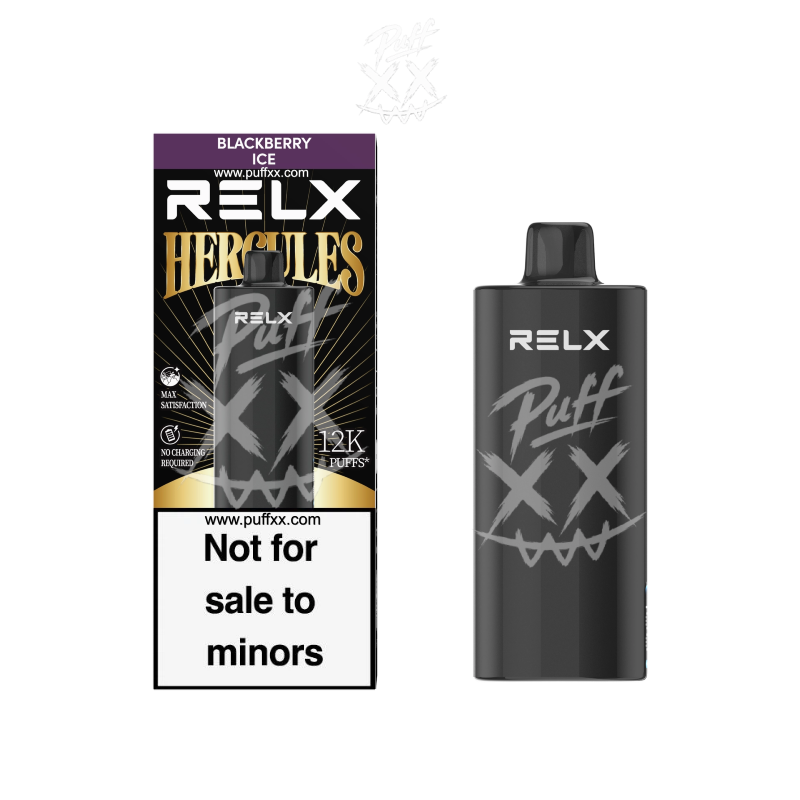
RELX HERC 12000: Smart Side Display
The RELX HERC 12000 features a smart side display that provides usage tracking information. The display shows battery level and usage status in a clear digital format, giving users a more detailed view of their device's current state compared to simple LED lights.
This display is designed to reduce uncertainty — you can check the screen and know approximately where the battery stands, without needing to interpret coloured lights or guess remaining capacity. However, it is important to note that the display shows battery and usage tracking, not an exact puff counter or precise remaining puff count. It is a useful indicator, not a scientific measurement.

IGET One 12000: Battery & Liquid LED Indicators
The IGET One 12000 uses LED battery and liquid level indicators to communicate device status. These are small LED lights on the device body that change colour or brightness to indicate different levels of battery and liquid remaining.
LED indicators are a simpler feedback format compared to a digital display. They provide quick visual cues without requiring a screen, but they offer less detailed information. For example, an LED might show "low battery" or "liquid running low" without giving a precise percentage. This format is effective for users who want a quick status check without needing detailed numbers.
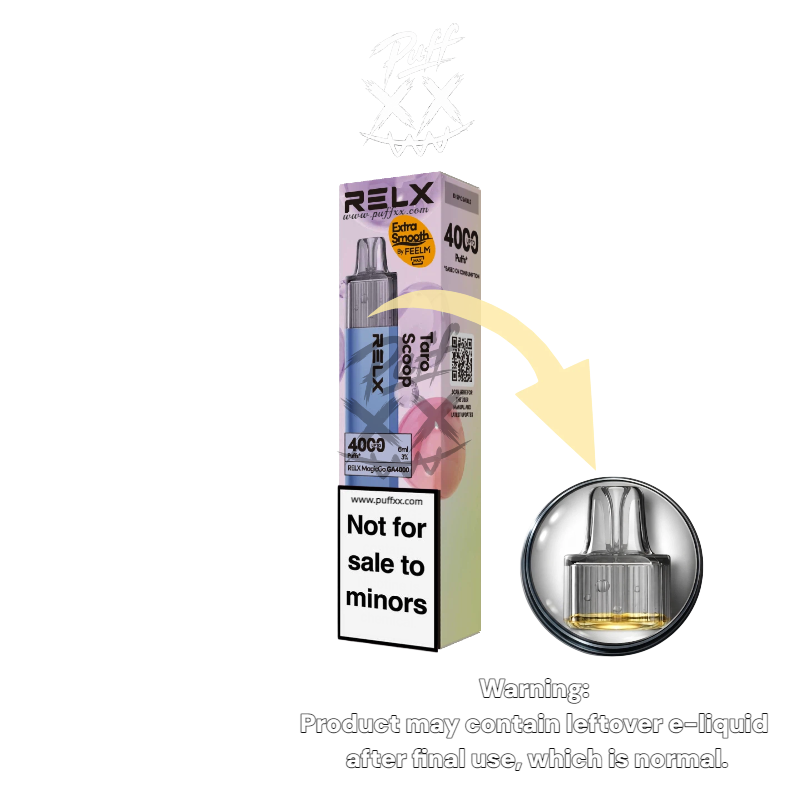
RELX MagicGo 4000: Visible Liquid Level Window
The RELX MagicGo 4000 takes a different approach: a visible liquid level window. Instead of relying on electronic indicators, this device has a transparent window that allows you to see the actual liquid inside the device.
This is a purely mechanical, visual feedback method — you can see with your own eyes how much liquid remains. It does not require batteries or electronics to function, and it gives you a direct, unfiltered view of the liquid level. The main limitation is that it does not show battery status, only liquid level. For users who prefer a simple, no-screen approach, this can be a clear and reliable way to check one key variable.

Three Scenarios: How Feedback Helps
Scenario 1: Before Leaving Home
You want to know if your device has enough battery and liquid for the day. With the HERC's smart display, you can quickly check the battery level and usage status. With the IGET One's LED indicators, you can see if the battery or liquid is low via coloured lights. With the MagicGo's visible window, you can check the liquid level directly, but you would need another way to assess battery (if the device doesn't show it). Each format provides a different level of information for this common situation.
Scenario 2: Checking Remaining Liquid
If you want to know exactly how much liquid is left, the MagicGo's visible window gives you a direct visual answer — you can see the liquid level with your own eyes. The IGET One's LED indicators can tell you if liquid is running low, but not the exact amount. The HERC's smart display may show usage tracking that can help you infer liquid status, but it is not a direct liquid measurement. Different formats suit different preferences.
Scenario 3: Understanding Usage Patterns
The HERC's smart side display is designed to help users track usage over time. It can provide feedback that helps you understand how much you've used the device, which may inform when you need to replace or recharge. However, it is not a precise puff counter — it is a usage tracking tool. The IGET One and MagicGo do not offer this level of usage feedback, focusing instead on basic status indicators.
What a Display Cannot Tell You
It is important to understand the limitations of device feedback. No display or indicator can provide:
- Exact remaining puff count — even smart displays show usage tracking, not a precise puff counter.
- Precise battery runtime — battery life depends on usage patterns, not just the displayed level.
- Flavour intensity — displays do not measure or predict flavour strength.
- Device health or coil condition — feedback is limited to battery, liquid, and usage tracking.
Displays and indicators are helpful tools, but they are not guarantees. They reduce guesswork, but they do not eliminate all uncertainty.
Display Features at a Glance
Here is a quick comparison of the three feedback formats covered in this guide:
| Feature | HERC 12000 | IGET One 12000 | MagicGo 4000 |
|---|---|---|---|
| Feedback Type | Smart side display | LED indicators | Visible liquid window |
| Battery Level | Yes (digital display) | Yes (LED) | No |
| Liquid Level | Usage tracking (indirect) | Yes (LED) | Yes (direct visual) |
| Usage Tracking | Yes | No | No |
| Precision | Moderate (digital) | Basic (colour/light) | Direct (visual) |
Frequently Asked Questions
What is the difference between a smart display and LED indicators?
A smart display provides detailed digital information like battery percentage and usage tracking, while LED indicators use simple coloured lights to show basic status (e.g., low battery).
Which Puffxx devices have a smart side display?
The RELX HERC 12000 features a smart side display for battery and usage tracking.
Which devices use LED indicators for battery and liquid?
The IGET One 12000 uses LED battery and liquid level indicators.
What is a visible liquid window?
A visible liquid window is a transparent section on the device body that lets you see the remaining liquid directly with your eyes. The RELX MagicGo 4000 uses this format.
Can a display tell me exactly how many puffs I have left?
No. Displays show battery level, liquid status or usage tracking, but they are not precise puff counters. They provide useful indicators, not exact measurements.
Which feedback format is best?
There is no single "best" format — it depends on your preference. Smart displays offer more detail, LEDs are simple and quick, and visible windows give a direct visual check of liquid. Choose what works for you.
View the Devices
Explore the devices featured in this guide through their product pages.

Continue Through the Feature Knowledge Hub
Know Your Device. Choose Your Format.
Explore the full Puffxx product range and find the device with the feedback format that works for you.
Explore the Product Range